
Simple by design
Three steps. That’s it.
No complicated setup. From idea to live QR code in under a minute.
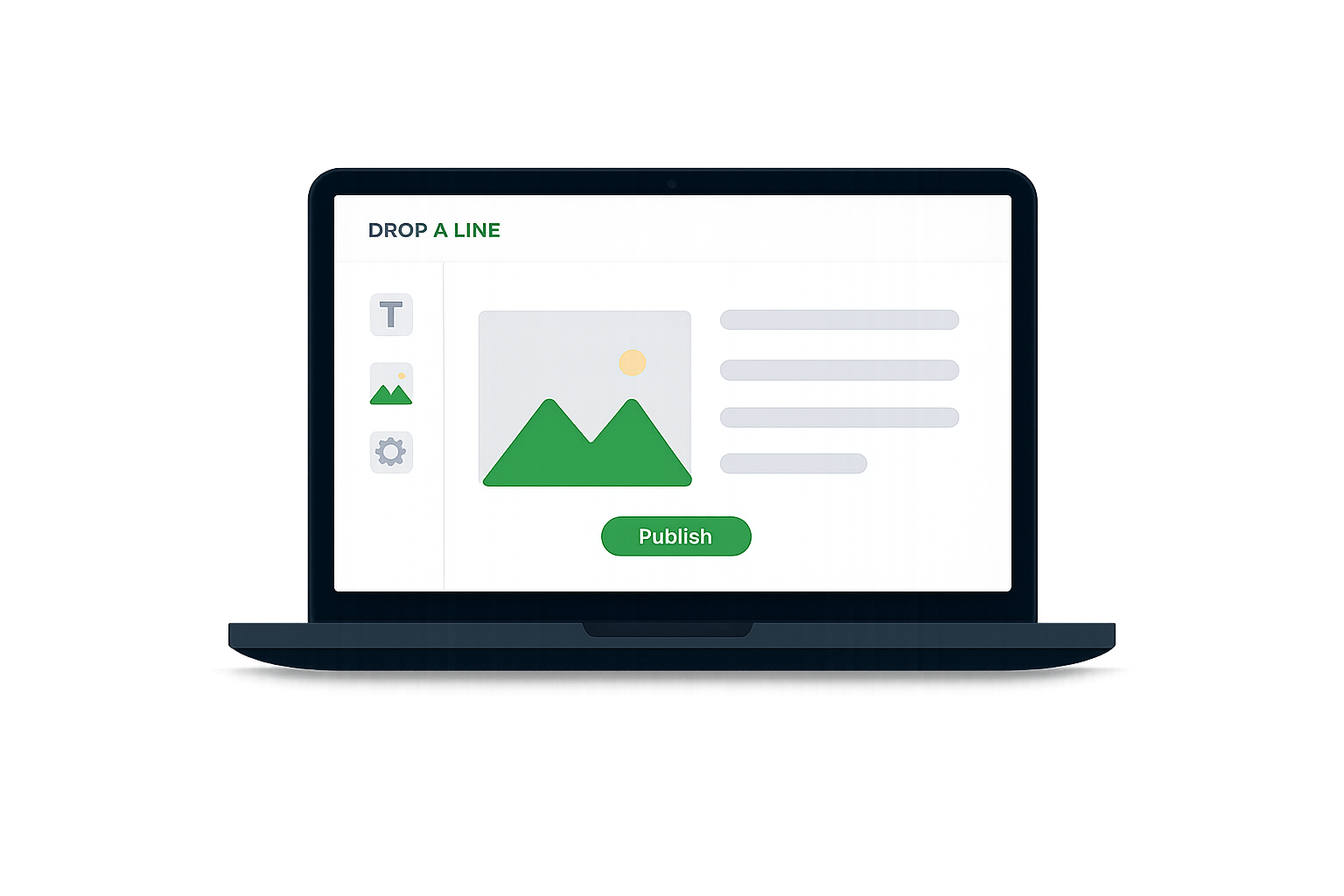
Create your page on Drop A Line
Give it a title, add content and settings. Your page and QR code are ready instantly.
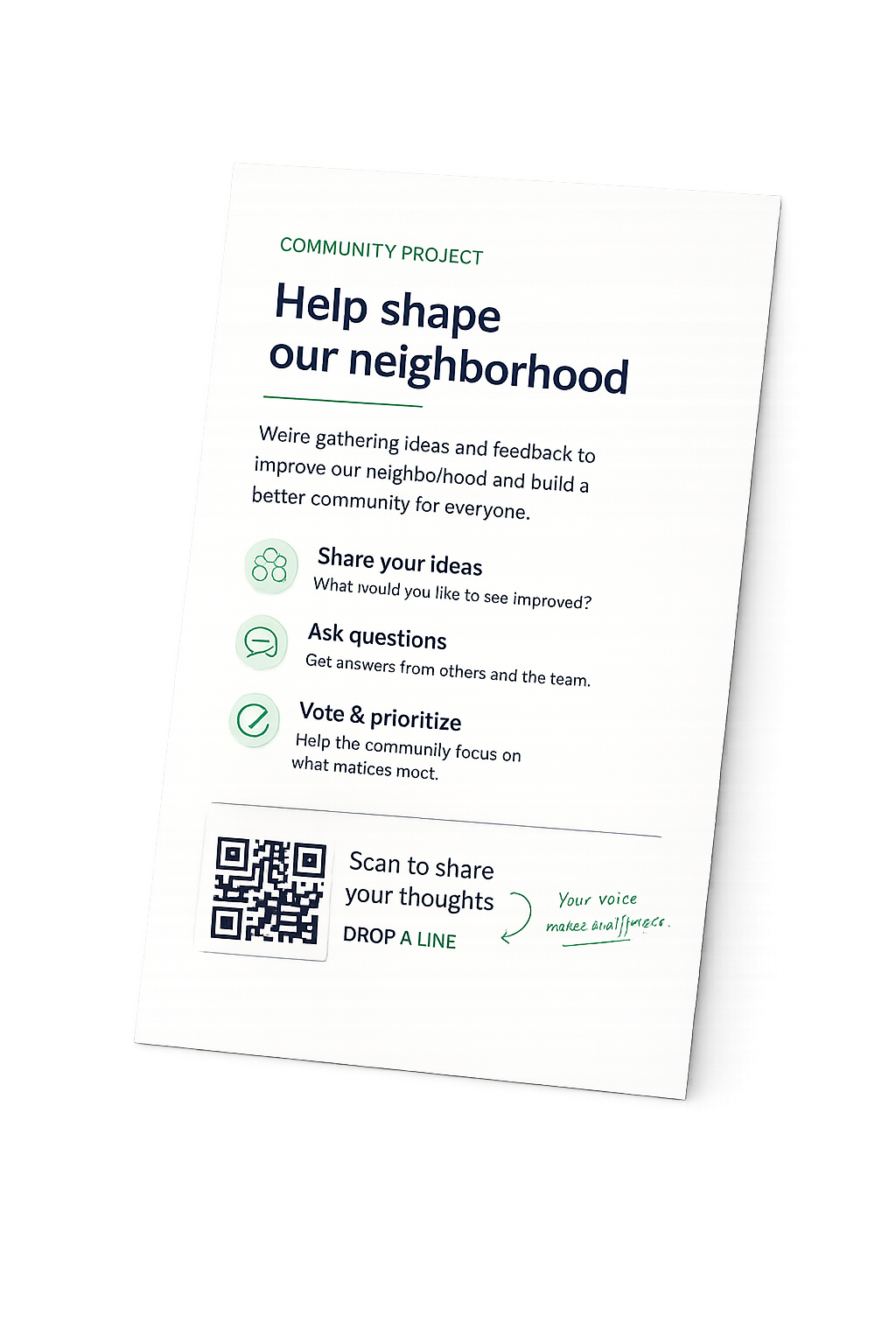
Print your QR code alongside your content
Download your unique QR code instantly. Add it to anything you print — posters, menus, worksheets and more.
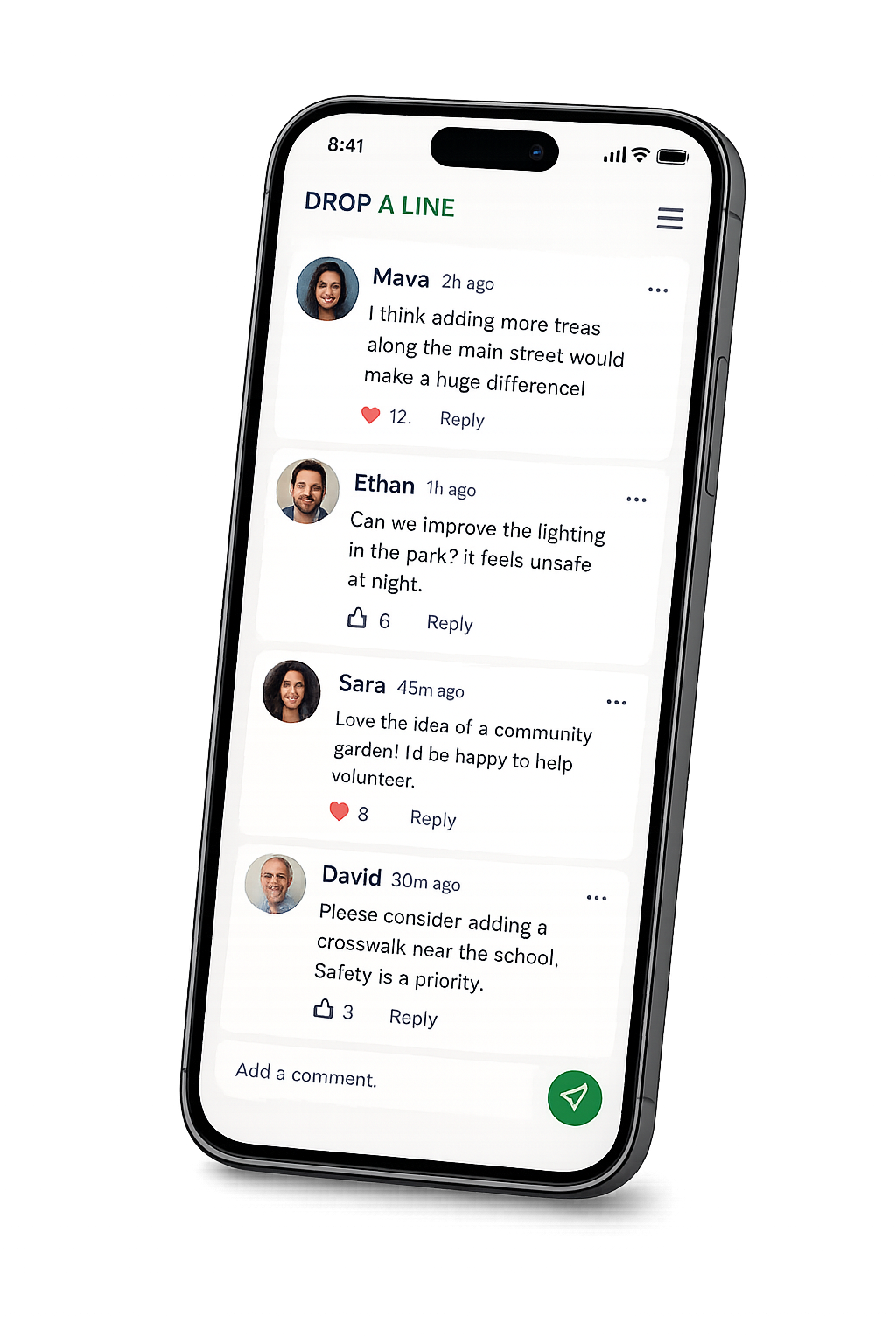
People scan and engage
They scan, comment, ask questions, vote and connect — from anywhere. No app, no sign-up required.
Print once. Update forever.
Printed content is permanent.
What it links to never has to be.
The QR code on your printed page is a permanent doorway. The content behind it is entirely yours to update, correct, and expand — any time, forever.
This document is actively updated. Scan the QR code for the latest version.
scans
Printed corrections
No more burying fixes in next week's issue. The correction lives on the original article — permanently accessible via the same QR.
Evergreen handouts
Print a worksheet once. Update the content, add notes, answer questions — all semester long. Students scan the same QR on their printed copy.
Living manuals
The manual in the box is v1. The page behind the QR is always the latest — updated instructions, answered questions, new warnings.
Built for the real world
Who uses Drop A Line?
Anywhere printed material meets real people, Drop A Line turns it into a two-way conversation.


Everything you need
Built for real conversations
Everything you need to run a conversation — from a quick class discussion to a full moderated public forum.
Instant comments
Readers comment without creating an account. No friction, no barriers. They can also sign in with Google for a profile.
Comment moderation
Choose between open or supervised mode. Review and approve comments before they go public — you're always in control.
Password protection
Keep conversations private with a password gate. Perfect for classroom groups, internal teams, or exclusive audiences.
Location lock
Restrict access to people physically present at a location. Set a radius — from 50m to 1km — using a map picker.
Email notifications
Get notified when someone comments. Stay on top of your conversations without refreshing the page.
Views & scan tracking
See how many people viewed your page and how many scanned your QR code. Know exactly how your content is performing.
Print templates — new
Your QR code, built into
a real comment section
Download a pixel-perfect comment section footer. Paste it into Word, Canva, or Google Docs. Print once. Your readers will instantly recognise it.




